
Before you install Castle on TV
Connect the TV or stick to the internet and check that it has enough free storage. Keep the remote nearby: the installer asks you to confirm the download and then open the file.
Use the official TV APK from this site. The TV and phone packages are built for different screens and controls, so do not swap them.
How to install the Castle TV APK
Most TVs and Fire TV Stick devices need a small file manager to open an APK. The exact menu names differ by device, but the sequence is the same.
- Install a file manager. From the device app store, install a small downloader or file manager app that can open APK files.
- Allow unknown apps. Open the file manager's permission setting and allow installation from unknown sources for that app only.
- Download the TV APK. Use the download button on this page and save the TV package to the device.
- Open and install. Open the downloaded file with the file manager, choose Install, then return to the home screen and launch Castle.
Watching Castle with a remote
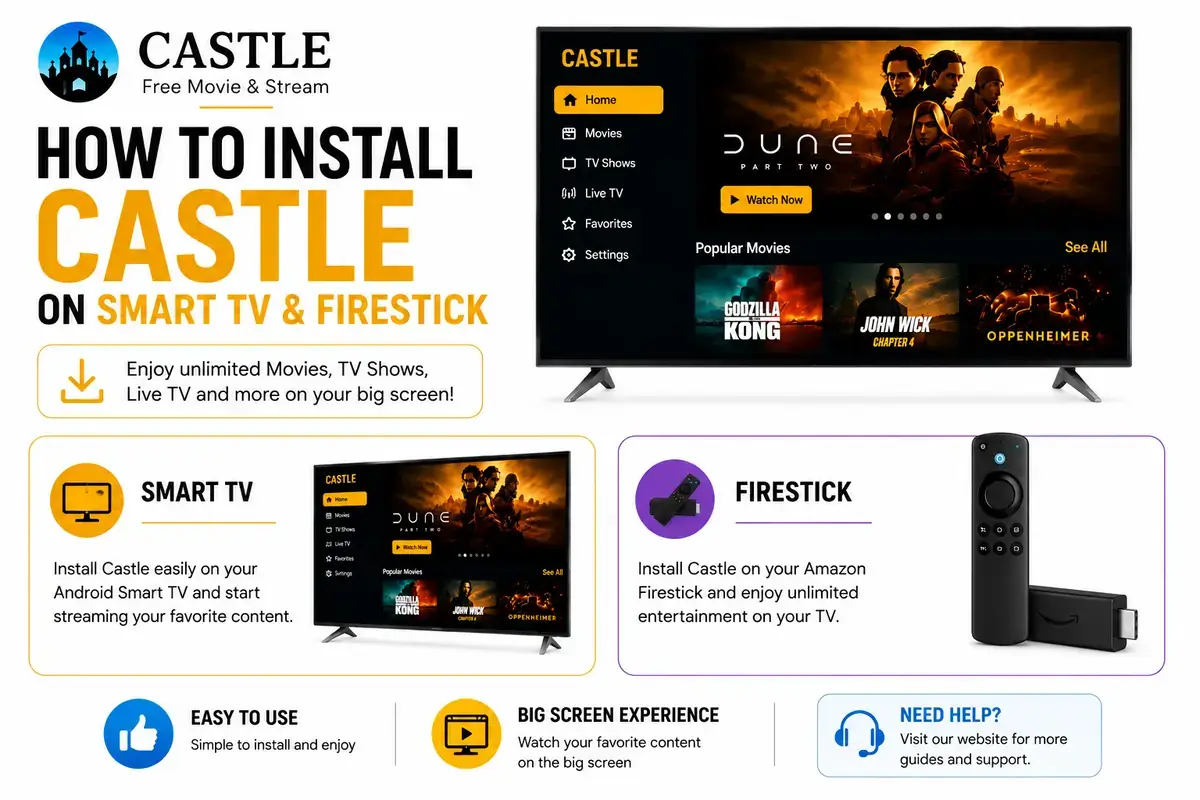
Use the remote's direction buttons to move through the TV interface and the select button to play a title. Search is the fastest way to reach a specific show when typing is awkward.
Live channels and cricket prompts appear in the TV area. Start the stream a few minutes early if your connection is slow.
If the TV installation fails
A parse error usually means the file did not download completely or the wrong package was used. Delete the file and download the TV APK again from this page.
If installation is blocked, check that unknown-source permission is enabled for the file manager you used, and that another Castle build is not already installed.
Do I need the phone APK too?
Only if you also watch on a phone or tablet. The phone build is linked under Related Castle guides below; TV users can stay with the TV package on this page.
Device compatibility matrix for Castle TV
The TV build is made for large screens and remote control, while the phone build is made for touch. Matching the package to the device avoids most setup surprises.
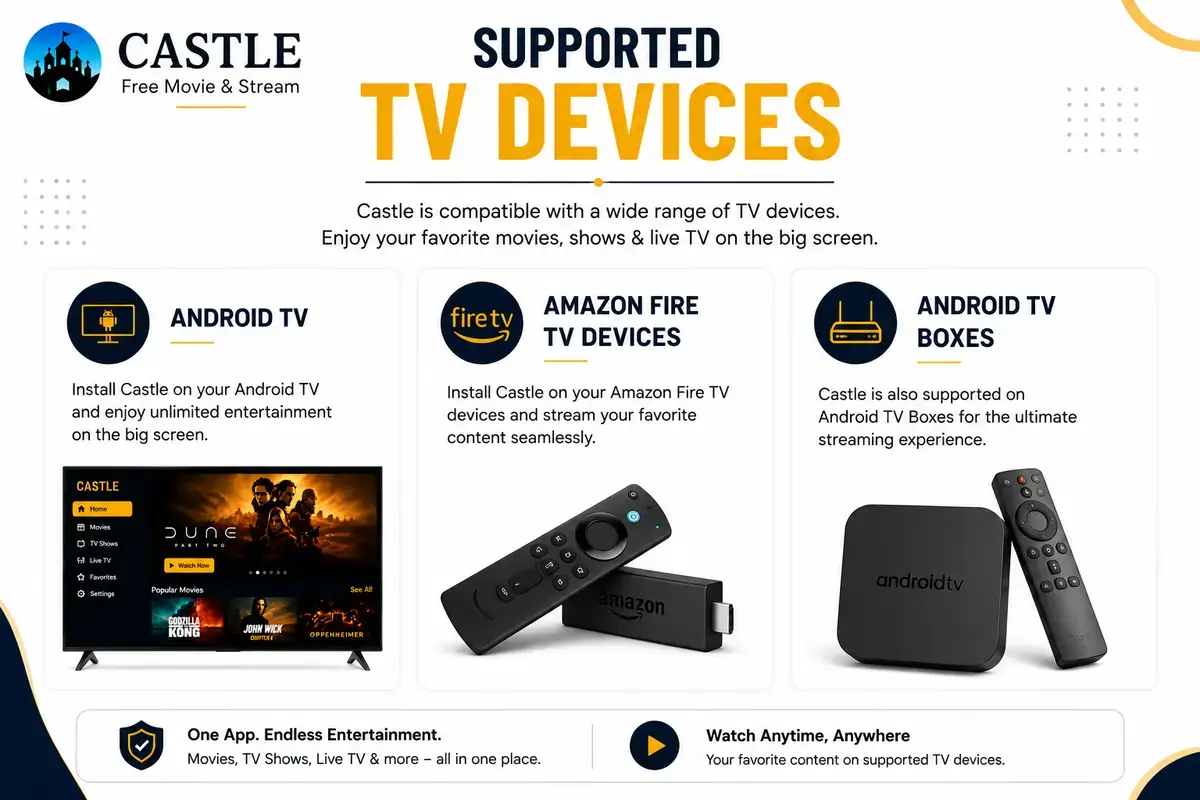
The table covers the common device families in India. If your television runs Android TV of the supported version, the TV APK is the right choice.
| Android TV and Google TV | TV build v1.1.3, about 21 MB |
|---|---|
| Fire TV Stick and Fire TV | sideload the TV build with a downloader app |
| Android TV boxes | TV build, provided the box allows unknown-source installs |
| Phones and tablets | use the phone APK, not the TV build |
| Apple TV and iOS devices | no native build available |
TV browser method vs Downloader method
There are two ways to get the TV APK onto a television. A TV browser works on most Android TVs, while a downloader app is the usual route on Fire TV devices where the browser is limited.
Both methods install the same official file. Choose the one your device supports, and enable unknown-source installs only for the app you actually use.
- TV browser. Open the browser on your Android TV, visit this page, download the TV APK, then open the file with the TV's file manager.
- Downloader app. Install Downloader from the device's app store, use it to open this page, save the TV APK, then install from its download folder.
- Launch. Find Castle in the TV app list and open it. No sign-in is needed to watch.
Remote-control tips for search and playback
The TV interface is built around the remote's direction keys. Use search rather than scrolling long rows when you know the title you want, and keep the remote close during the first setup.
If a stream takes a moment to start, let it load before changing links. Lowering quality in the player is usually faster than switching channels on a slow connection.
FAQ
Does the phone APK work on Fire TV Stick?
Use the separate TV APK on Fire TV Stick and Android TV. The phone build is designed for touch screens.
Do I need a Google Play account on TV?
No. You sideload the TV APK with a file manager and can watch without signing in.
Can I watch live cricket on TV?
Yes. Open the TV area in Castle and start the stream early if your connection is slow.