
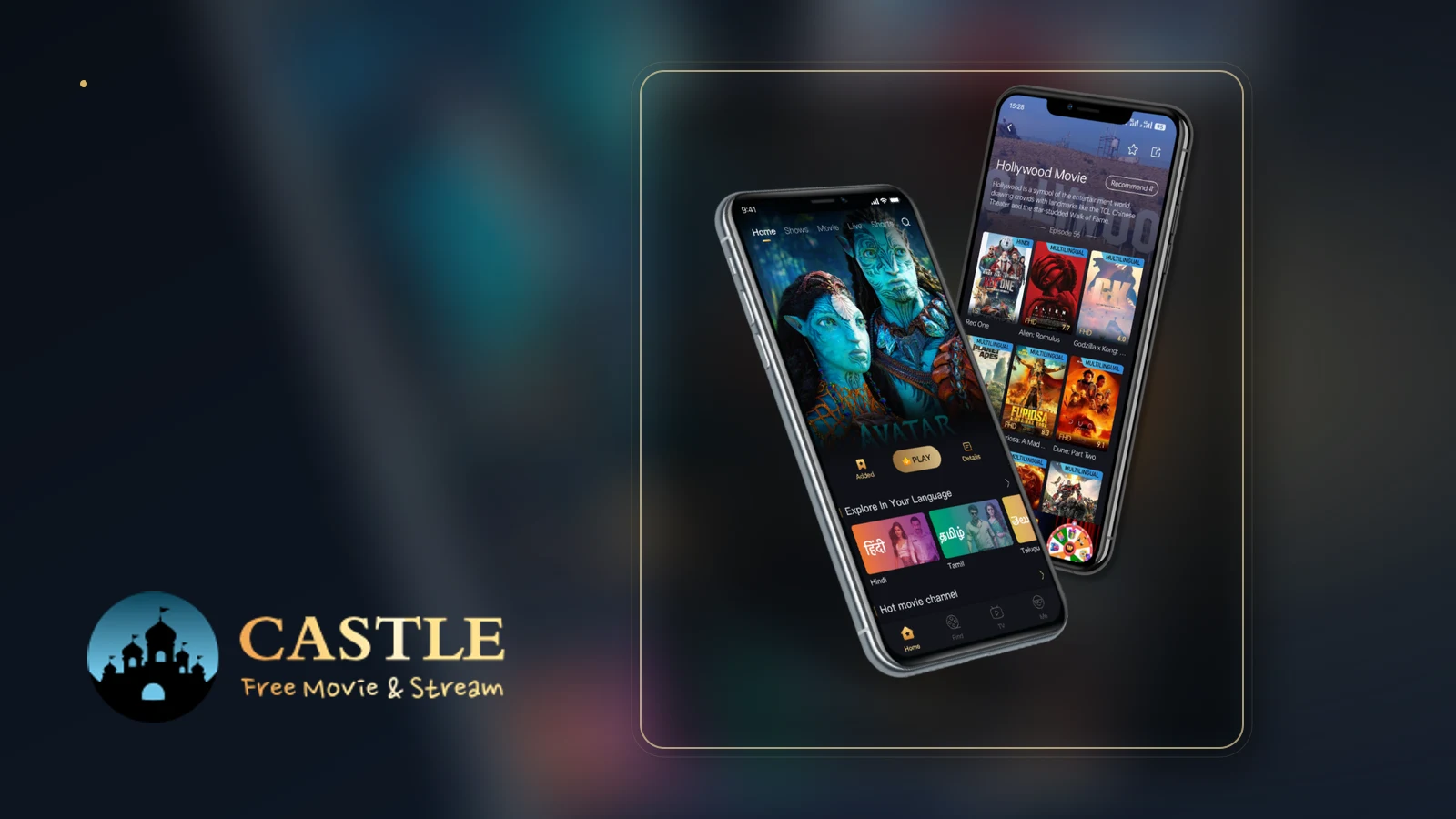
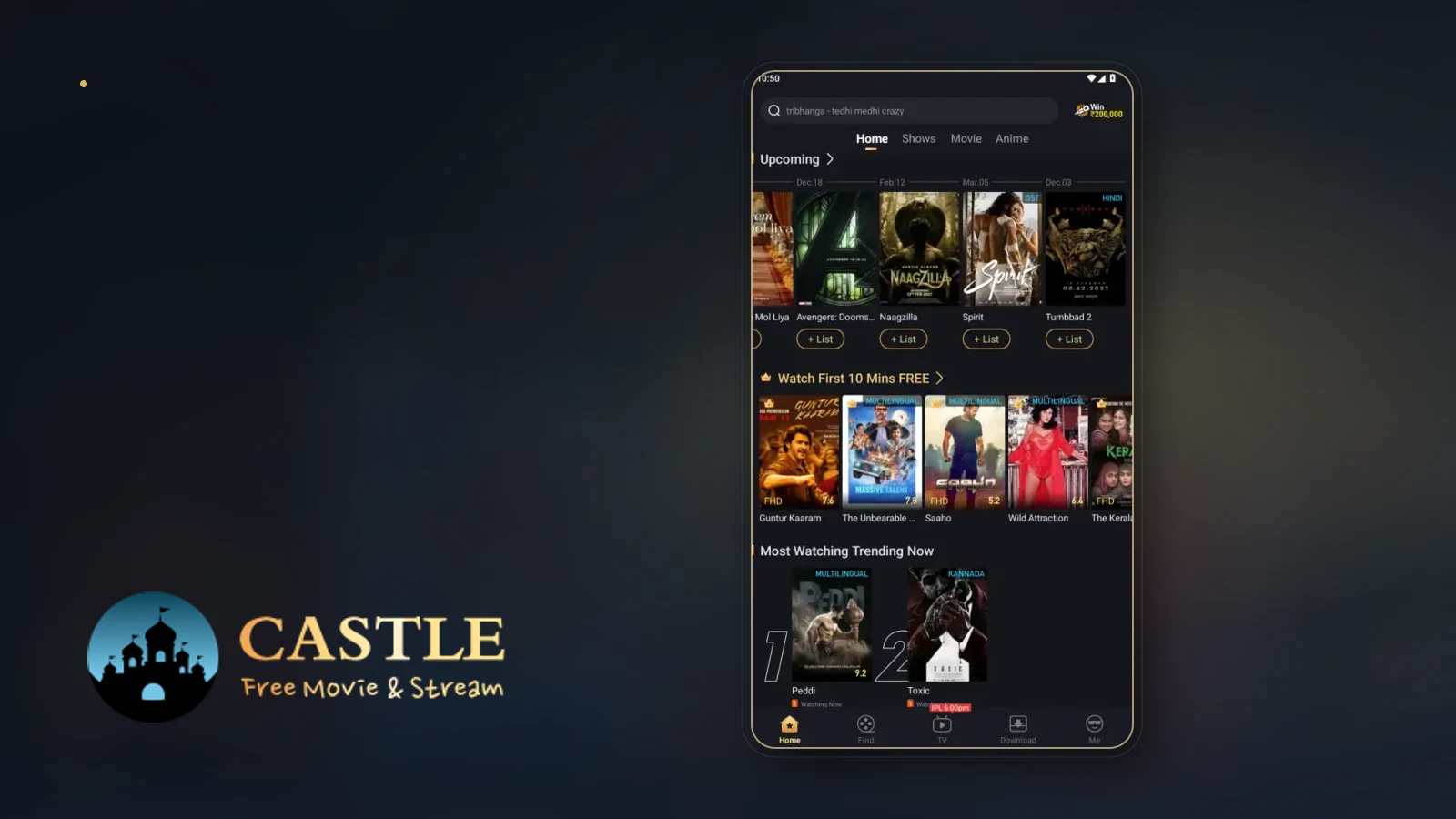
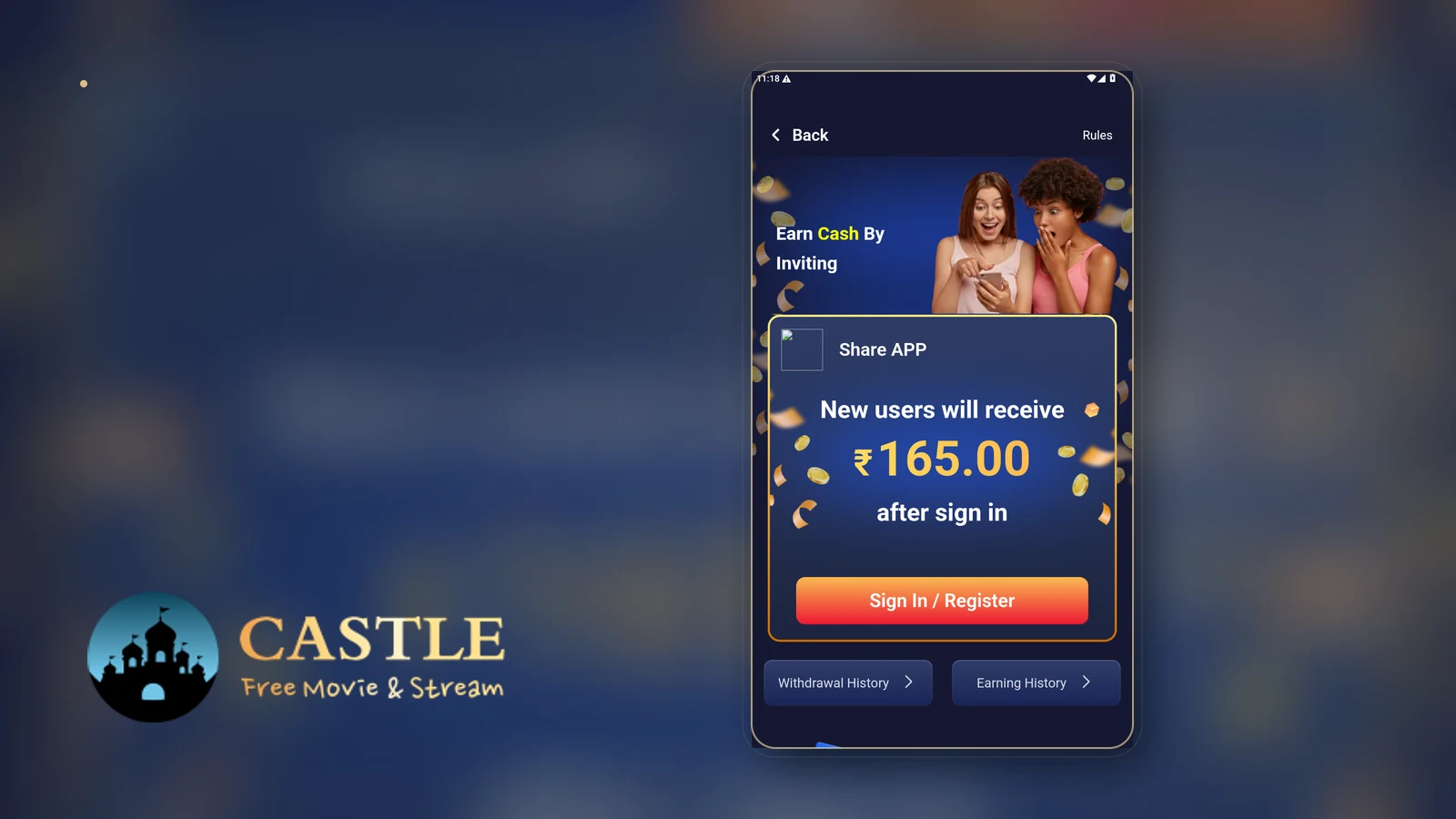
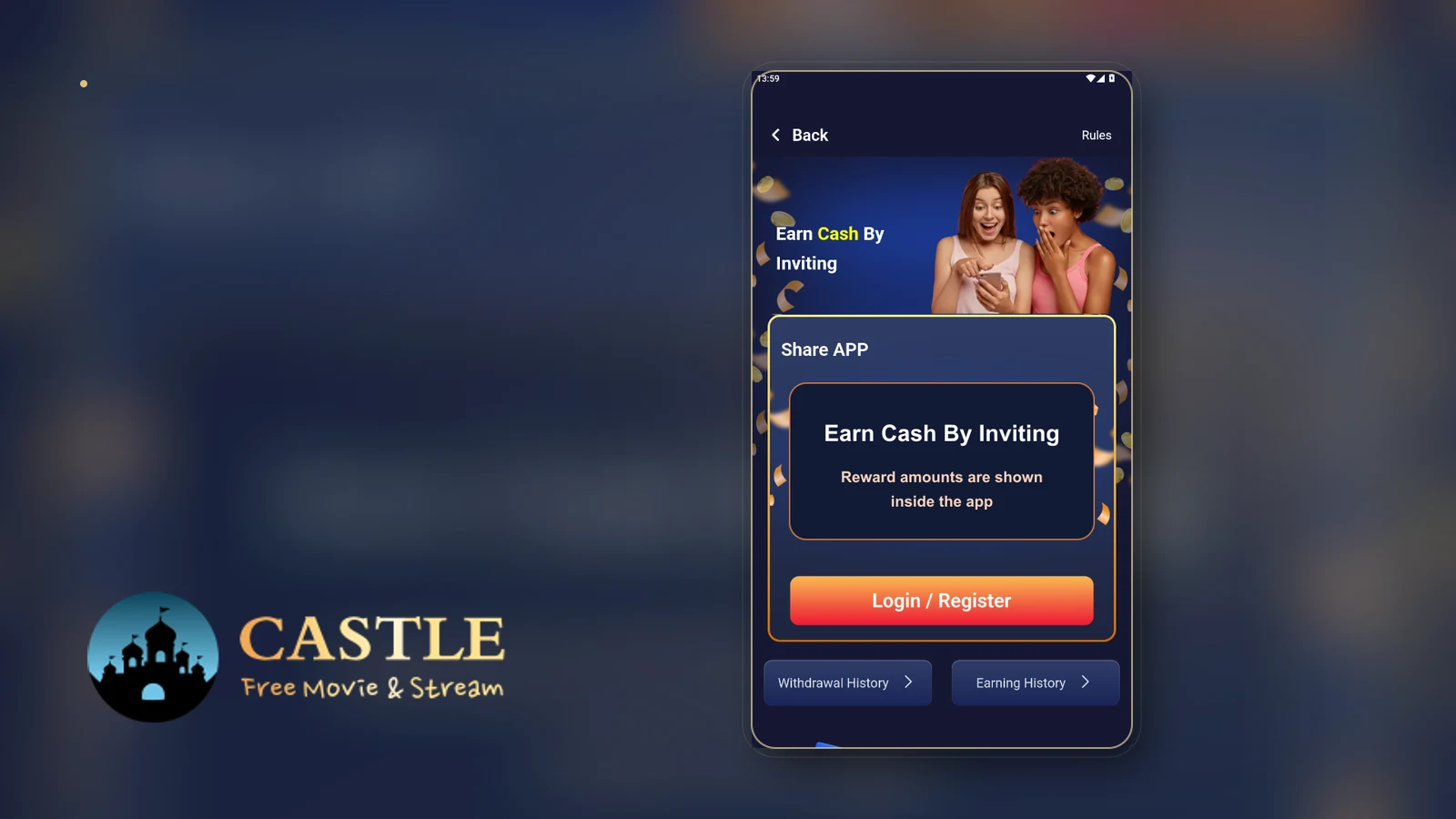
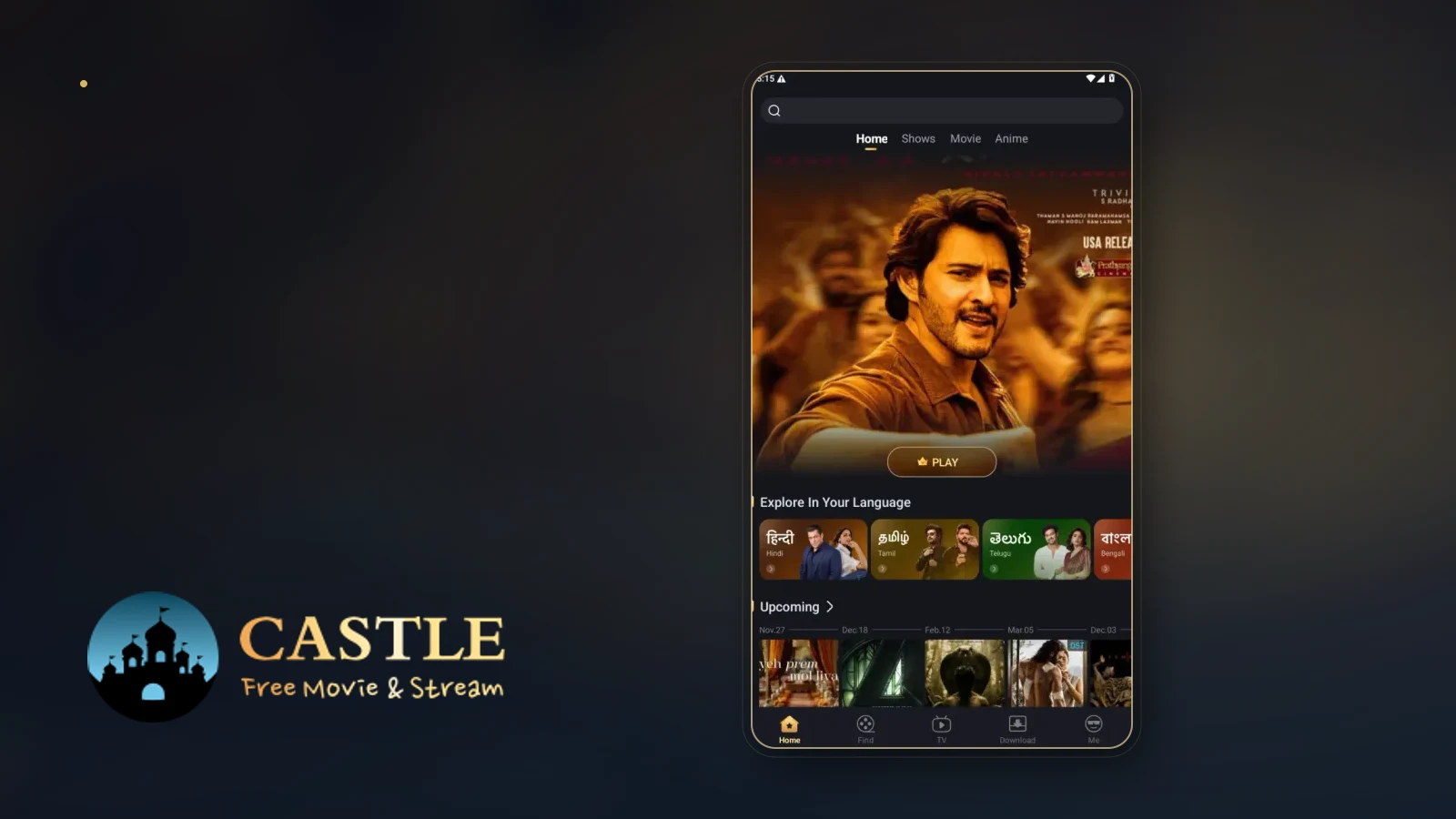
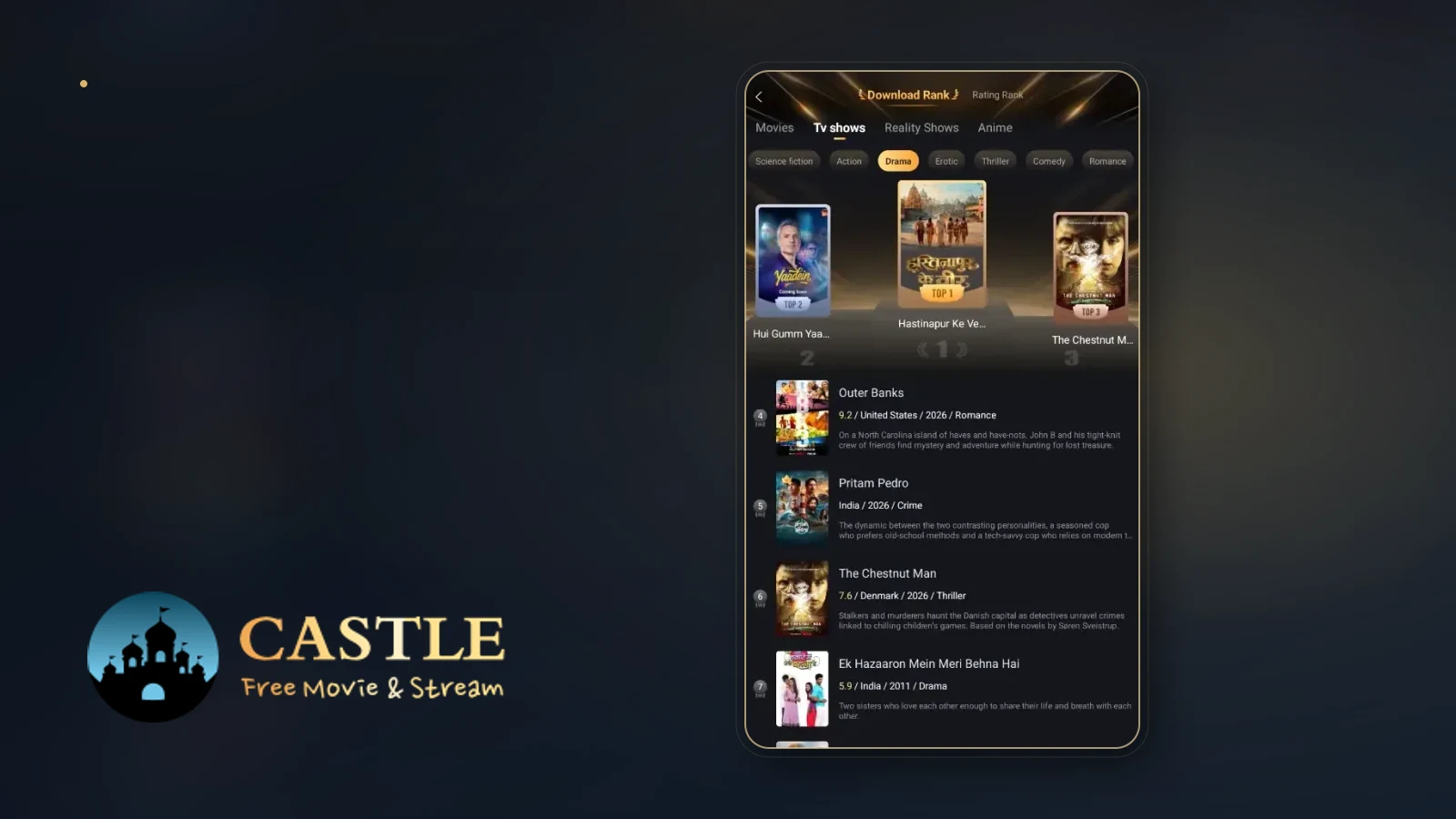
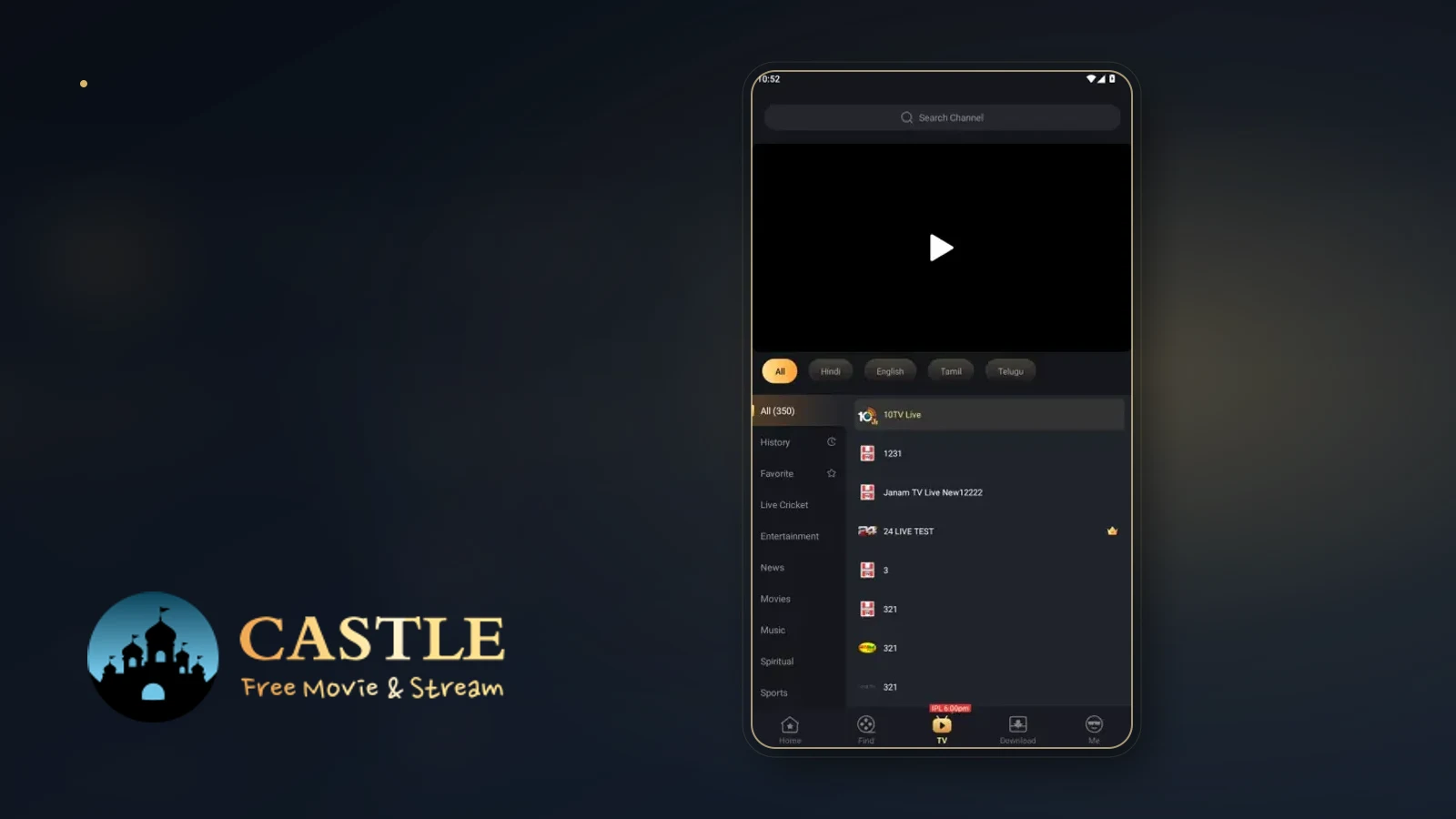
What you will find here
Seven guides, grouped by the job you are trying to do: get set up safely, set up a second screen, understand a feature, or choose something to watch. Each article keeps the steps short and avoids unverified numbers.
| Install and safety | the official APK, its permissions and unknown sources |
|---|---|
| Getting started | install the app, open it and find your way around |
| Device setup | cast to a smart TV and use the separate TV build |
| Languages and subtitles | interface language versus per-title tracks |
| Invite rewards | how invite links, progress and the rules work |
| What to watch | Hindi-dubbed films to start with |
New to Castle? Read the permissions guide first, then follow the getting started guide on the device you plan to use.
Start with the installation guide
If this is your first APK, read the safety guide before you install anything. It explains how to recognise the official file, what permission prompt to expect and how to fix the most common install errors.
Phone users can then follow the full installation guide. TV owners should use the separate TV APK, and computer users can run the official APK in an Android emulator.
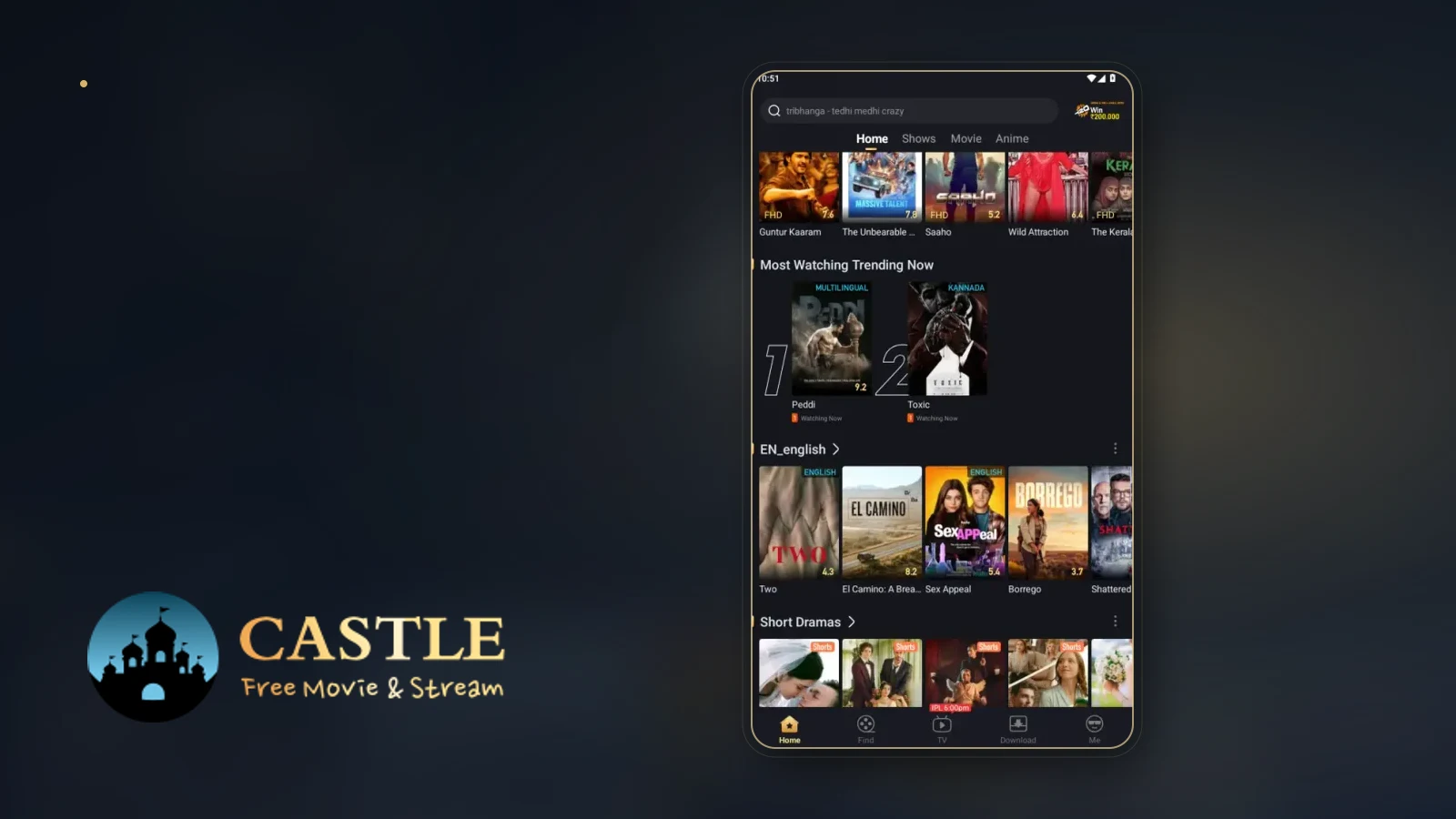
Keep up with updates
New posts are added as the app changes. Bookmark this page and check the download page for the current version, size and release date rather than trusting version numbers quoted on third-party sites.
Questions are welcome at the official support address listed on the contact page. For copyright matters, follow the process in the DMCA policy.
FAQ
Is Castle really free?
Yes. Streaming is free and ad-supported. You can watch without an account; Premium and invite rewards are optional.
Do I need to sign up or root my phone?
No. Castle installs like a normal APK on Android 6.0 or above. Root access is not required.
How do I know the APK is official?
Download only from this site, then check the version, file size, and permission notes on the download page.
Can I watch on TV or PC?
Yes. Use Castle TV for Android TV and Fire TV Stick, or run the Android app on PC with an emulator.