
Blog
How to Use Castle Invite Rewards
Find the entry, create a link, share it safely and track progress in the app.
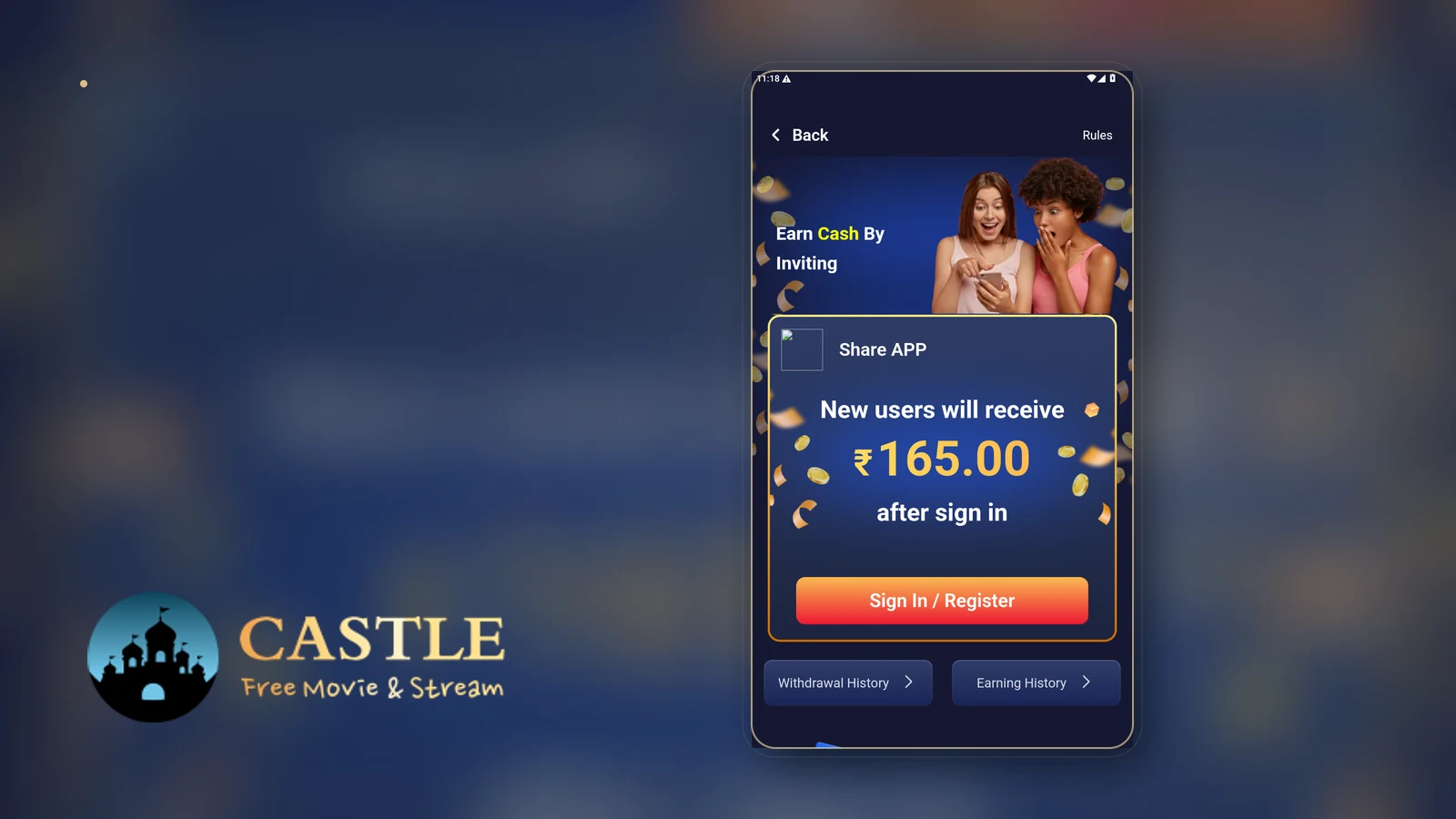
Castle invite rewards start inside the official app, not on a third-party site. Open Castle and look for the Invite & Rewards entry on the home screen or in the account menu.
Invite step by step
- If you are not signed in, log in or create an account with the details requested by the app; keep your password private.
- On the invite screen, generate your personal link or code, then copy it.
- Send that link only to people you know and trust, with a short note explaining what Castle is and what the friend needs to do. Avoid spam, paid promotions and public comment threads, because those can break the rules.
- Your friend must install Castle from the official source, open your link, sign in when asked and complete the qualifying steps shown in the app.
Check your status
After that, return to the invite screen and check the status. A pending entry means the app is still checking the friend’s activity; it is not a confirmed reward. To review confirmed rewards and any withdrawal history, open the wallet section and then Earning History. If details are unclear, read the in-app Rules before inviting again.
- Use only official channels. Eligibility, reward amounts and timing are shown in the in-app Rules.
Where the rules come from
The invite programme is optional and lives inside the app. Before you share a link, open the Rules page there: it is the final authority on eligibility, current amounts, limits and timing. This article explains the steps only; it does not set reward figures or promise that any invite will qualify. The Castle invite programme overview explains how the in-app area fits alongside normal watching, which needs no account.
Staying safe while you invite
Share your own link only with people you know, and never hand over your login, buy codes or pay anyone to join. Your friend should install the app from the official source described on the download page and complete the steps shown on the invite screen. If a message asks for payment or personal details, stop and check it against the in-app Rules.
When to ask for help
If a status stays unclear, the help page lists what to include in a support message. For the full setup walkthrough, start with the installation guide; for how eligibility is checked, read the invite rewards rules post. Keeping the app current from the official download page avoids problems caused by older builds.
Frequently asked questions
Do I need an account to watch Castle?
No. Watching, searching and downloads work without signing in. Sign-in is only part of the optional invite area.
What does a pending invite mean?
Pending means the app has recorded the invite but has not finished checking it. It is not a confirmed reward; check the wallet and Earning History once the status changes.
Where can I see the current reward amount?
Only in the Rules page inside the app. Figures published elsewhere may be out of date, so treat the in-app page as authoritative.
Download only from this site, then check the version, file size, and permission notes on the download page. Castle APK Security & Permissions | Official Verification