
Blog
Castle Invite Rewards Rules and Clarifications
Eligibility, pending status, withdrawal history and safe use.
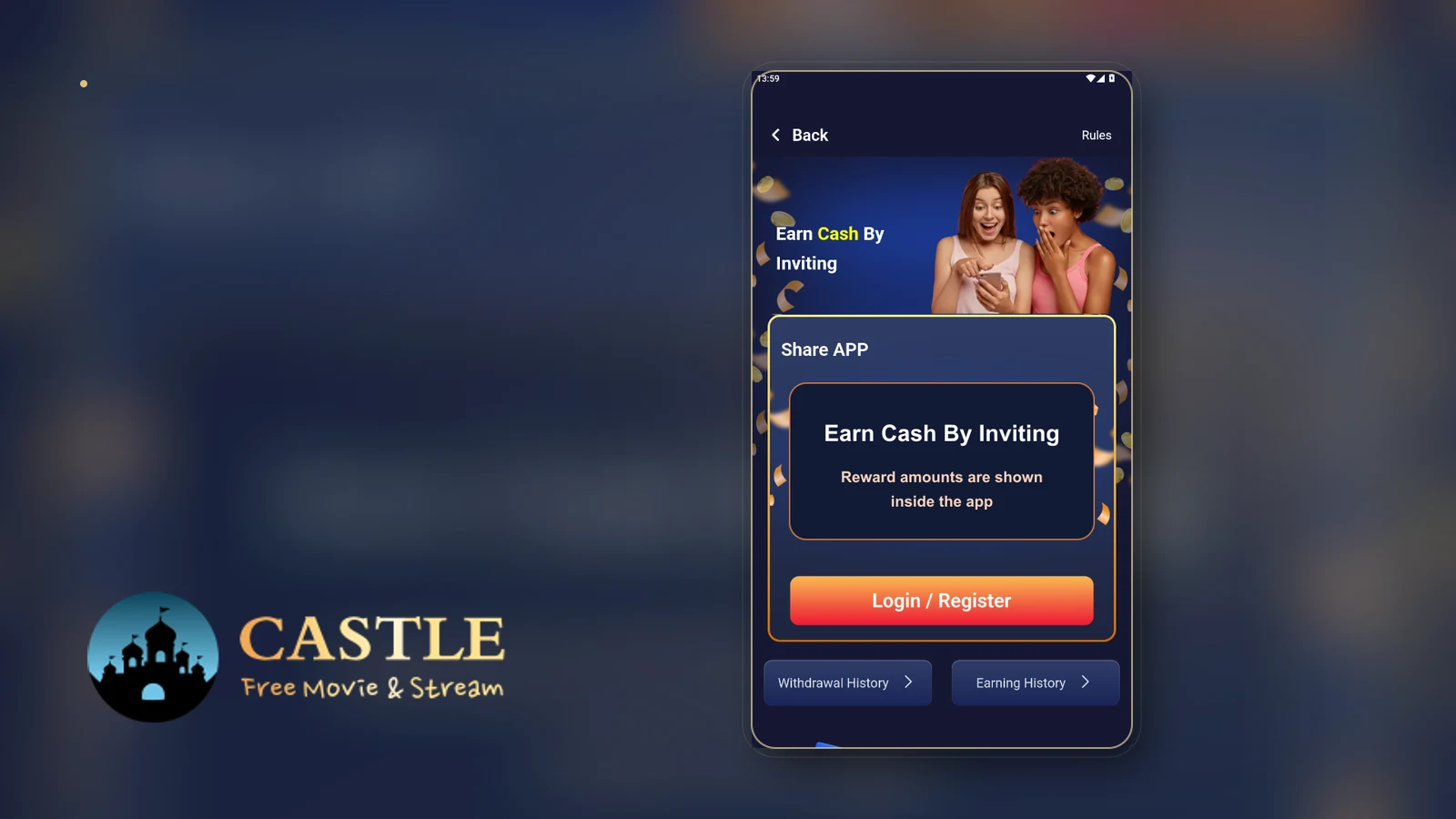
These rules explain how to use Castle invite rewards responsibly.
Eligibility and pending status
Eligibility is decided by the official app: use one personal account, sign in when required, follow the conditions shown on the invite screen and do not try to create duplicate accounts.
- A pending record means an invitation was registered, but the friend’s required steps have not finished checking.
- Pending is not the same as an approved reward, and it may change after verification.
- Confirmed rewards appear in the in-app wallet; payouts and withdrawal history are available in Earning History, where you can review status and dates.
- The current reward amount, limits, timing and eligibility details are governed only by the Rules page inside the app.
- Information on this website, screenshots, social posts or messages from other users may be outdated and should never replace those in-app Rules.
- Rewards are not guaranteed, and no income should be assumed from inviting friends.
- Use only official Castle channels and the official APK.
- Never buy invite codes, share login details, send money to strangers or follow links that claim to unlock special rewards.
- Use only official channels. Eligibility, reward amounts and timing are shown in the in-app Rules.
How a pending invite becomes confirmed
The status on the invite screen reflects checks the app performs. Pending means the invite was recorded but the friend's required steps have not finished verifying; it is not an approved reward and may change. Once verification completes, confirmed entries appear in the in-app wallet, and Earning History shows dates and payout status. The Rules page inside the app governs every amount and limit.
Fair use and account safety
Use one personal account and follow the conditions shown on the invite screen. Do not create duplicate accounts, buy or sell invite codes, share login details or follow links that claim to unlock special rewards. Castle does not ask for payment to take part, and watching itself needs no account at all. Install the app only from the official download page, which is also where you can confirm you have a current build.
Where to get help
If a status or history entry does not make sense, check the help page for what to include in a support message, and review the installation guide if the problem began with setup. For the step-by-step sharing process, read how to use invite rewards. The programme overview explains where the in-app area sits alongside normal viewing.
Frequently asked questions
Can I join just to watch more content?
There is no need. The catalogue works without signing in; the invite area is a separate, optional part of the app.
Why did my invite stay pending?
Pending is a checking state, not a decision. Verification follows the conditions in the in-app Rules, so consult that page for the current criteria and timing.
Can I trust a reward figure shared online?
Only the Rules page inside the app is authoritative. Screenshots, social posts and messages from other users can be out of date. Rewards are not guaranteed, so do not plan around an assumed amount.
Download only from this site, then check the version, file size, and permission notes on the download page. Castle APK Security & Permissions | Official Verification